Facebook Image Sharing
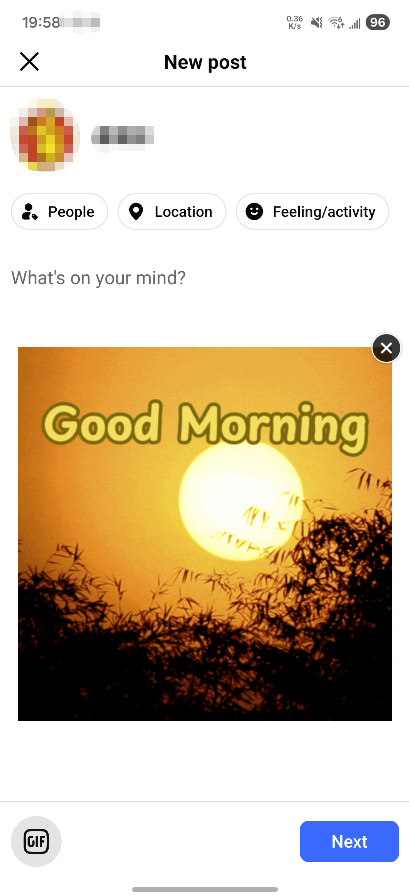
- Optional. Players can share images from the game to Facebook.
Illustration
Modify File
Modify the AndroidManifest.xml file and add the queries tag section (new: 20211228)
java
<manifest xmlns:android="http://schemas.android.com/apk/res/android"
  package="com.example.app">
    <uses-permission ....../>
	...
    <queries>
              <provider android:authorities="com.facebook.katana.provider.PlatformProvider"
            android:exported="false" />
    </queries>
    ...
	<application ....../>
</manifest>
Function
java
public static void gamedreamerFacebookShareImage(Context context,Bitmap bitmap, GamedreamerFacebookShareListener listener)Parameters
| Parameter | Description |
|---|---|
| context | Context object |
| bitmap | Bitmap image |
| listener | Facebook image sharing listener. |
Callback Description
GamedreamerFacebookShareListener.onFacebookShare(int code) callback method description
- This method returns a code. Different codes indicate the following results:
| Parameter | Description |
|---|---|
| GamedreamerFacebookShareListener.SUCCESS | Share succeeded |
| GamedreamerFacebookShareListener.CANCEL | User canceled sharing |
| GamedreamerFacebookShareListener.ERROR | Share failed |
Example Code
java
Bitmap sharedPhoto = BitmapFactory.decodeResource(getResources(),getResources().getIdentifier("gd_logo_landscape", "drawable",getPackageName()));
GDSDK.gamedreamerFacebookShareImage(this,sharedPhoto, new GamedreamerFacebookShareListener() {
	@Override
	public void onFacebookShare(int code) {
		if(code == GamedreamerFacebookShareListener.SUCCESS){
			Toast.makeText(GameActivity.this, "Share succeeded", Toast.LENGTH_LONG).show();
		}
	}
});