Server List
function
The API is used to check the status of the server before entering the game. Please be sure to call this interface before entering the game after the player login operation is called. In the block will return the user information after the check. Call Interface Displays the server selection view, providing the player the ability to select a new server. The successful call is shown below (example): 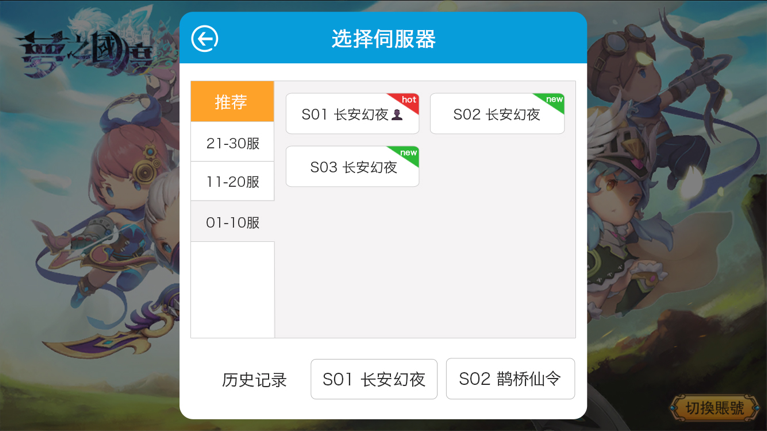
func
objective-c
- (void)gamedreamerServerListWithSuperView:(UIView *)superView
                             andCompletion:(void (^)(NSDictionary *userInfo))serverListCallback;
parameter
| parameter name | Can be nil?(YES/NO) | Instructions |
|---|---|---|
| superView | YES | Super view of service's view.Service's view will add to super view.You can input nil. |
callback
userInfo NSDictionary:
| Content | Instruction |
|---|---|
| EFunfunServerInfo | 1、address:Server Address;2、gamecode:GD Gamecode;3、port:port;4、GD ServerName;5、servercode:GD ServerCode;6、status:status(1 server opened,0 server closed);7、repairNoticeContext |
| sessionid | User Session id |
| token | User Token |
| showname | User showname |
Example code
objective-c
[[GamedreamerManager shareInstance] gamedreamerServerListWithSuperView:self.view andCompletion:^(NSDictionary *userInfo){
        if(userInfo){
            //select new server, reload UI or other
        }
}];